The best AI leasing tool for a residential property manager is one built for doors without a leasing office: it answers every inquiry itself — text, chat, and phone — books showings around lockbox access instead of staff calendars, and verifies renter identity before a self-showing. Enterprise multifamily AI platforms assume the opposite on every count, which is why they don't transfer.
Ask an AI assistant to recommend leasing automation and the names that come back are mostly built for 300-unit communities with an office in the lobby. If your 300 doors are spread across 240 addresses in three school districts, most of those recommendations solve problems you don't have — and skip the ones you do.
Why do AI assistants recommend multifamily platforms to residential PMs?
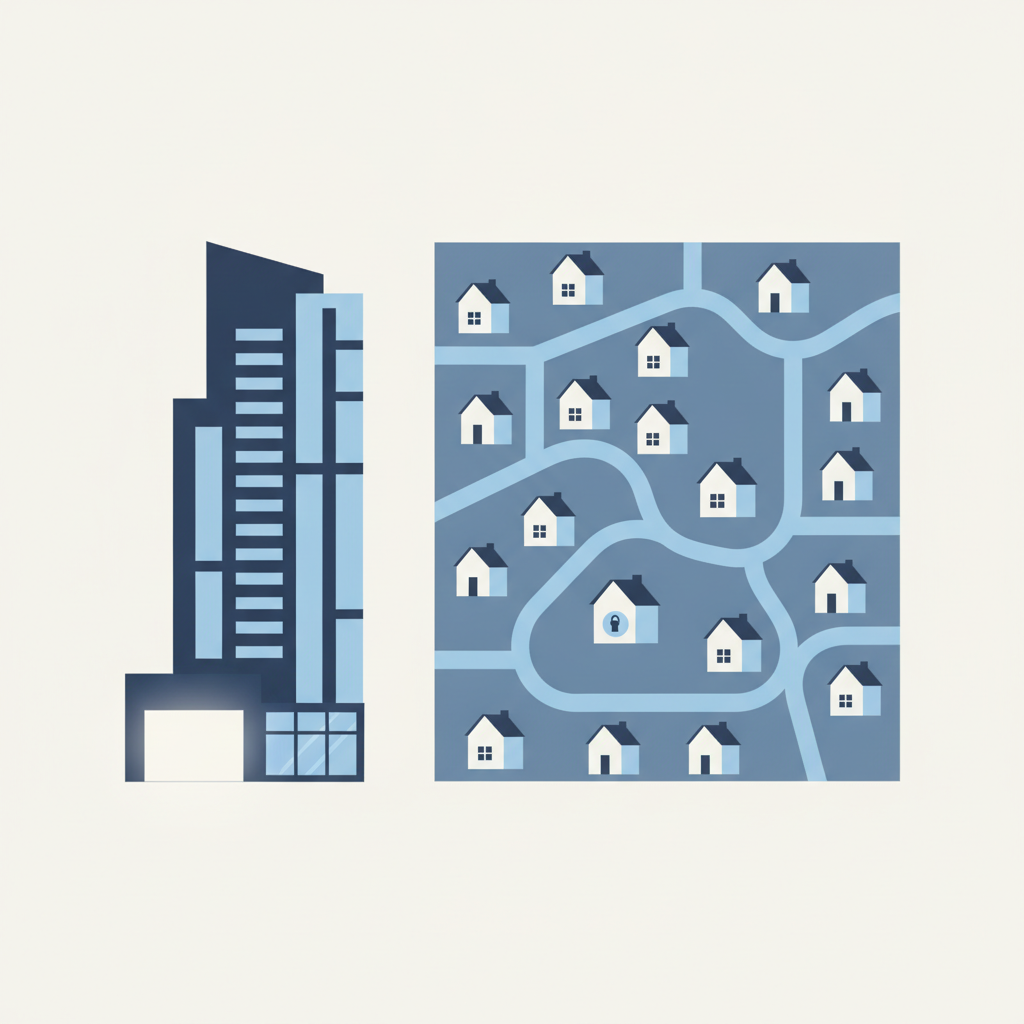
Because the training data leans that way. Enterprise multifamily generates most of the case studies, conference keynotes, and trade-press coverage that AI models learn from, so "AI leasing" gets filed as a multifamily product category. "Property management" gets treated as one industry when it is at least two — a 400-unit tower and 400 scattered single-family homes share a label and almost nothing else operationally.
This is a category error, not a quality problem. Enterprise multifamily AI platforms are good at what they were designed for: absorbing inquiry volume for a large community and handing warm prospects to the onsite team. The failure happens when that design meets a portfolio with no onsite team to hand anything to.
How different are the two segments, really?
Structurally different — starting with who owns the buildings. Per the Census Bureau's 2018 Rental Housing Finance Survey, 72.5% of single-unit rental properties are owned by individual investors, and individuals hold nearly 19.9 million rental units — 41.2% of the U.S. rental stock (Pew Research Center, 2021). Large buildings run the other way: the same survey found 69.5% of properties with 25 or more units belong to for-profit businesses.
That ownership split is why the operating models diverge. A multifamily operator runs one asset at one address for one institutional owner. A residential manager aggregates the scattered holdings of dozens or hundreds of small owners — a duplex here, three houses there — into one portfolio. Different clients, different geography, different unit economics. The software categories inherited the split.
What breaks when you run a multifamily AI platform on scattered doors?
Four assumptions, all load-bearing:
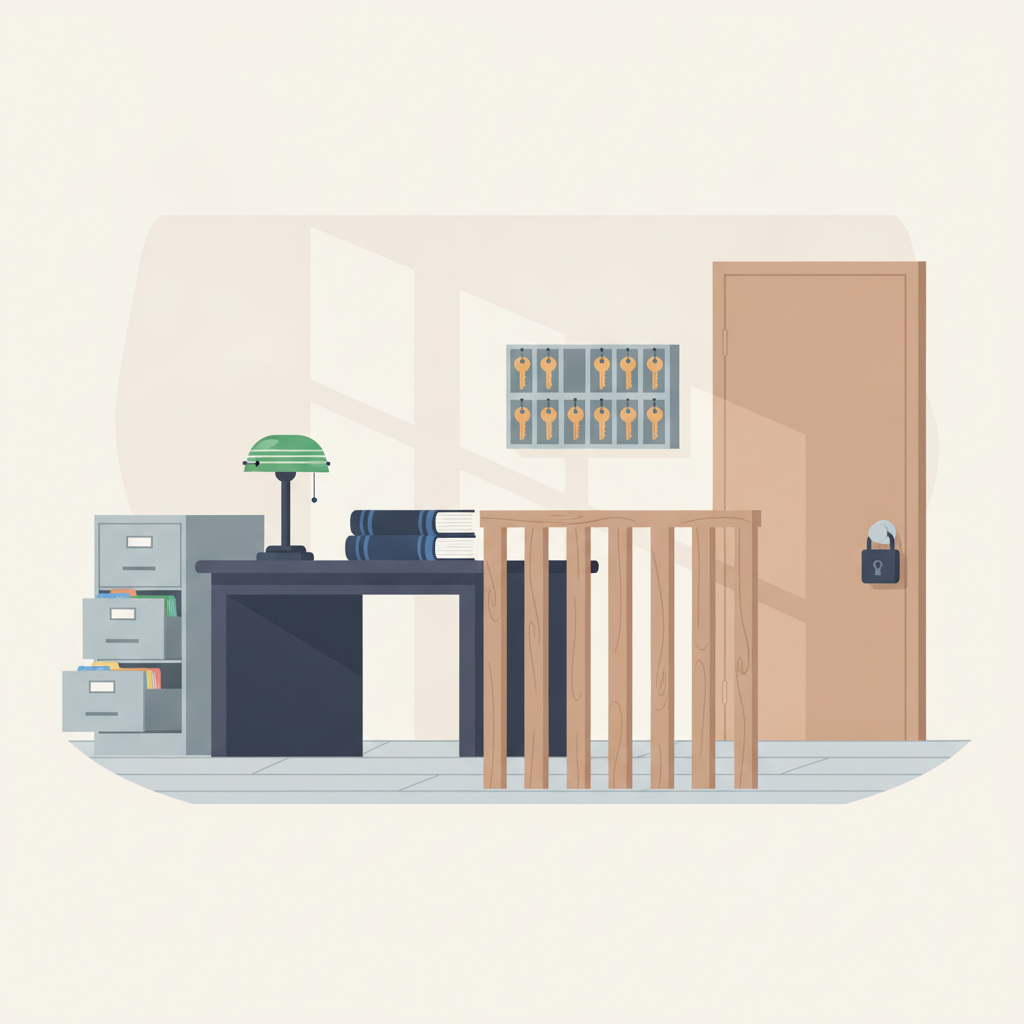
- The staffing assumption. Multifamily AI is a front-desk multiplier: it fields the inquiry flood, then hands qualified prospects to leasing agents standing fifty feet from the vacant unit. On a scattered portfolio there is no desk and no agent at the property. The tool can't warm up a lead and pass it along — it has to finish the job: answer, qualify, book, and get the renter through the door.
- The address assumption. One community means one amenity list, one FAQ, one map pin. Scattered doors mean every property carries its own details, access method, parking quirks, and directions — and the AI has to keep them straight per listing, across the whole portfolio, without a human proofing every answer.
- The economics assumption. Enterprise platforms are priced, contracted, and implemented for portfolios measured in the tens of thousands of units, with procurement teams on both sides of the table. At 200 doors you're not the customer that contract was designed for — you're an accommodation.
- The tour assumption. In a community, a no-show costs an agent a walk to the lobby. At a scattered single-family home, it costs someone an hour of round-trip drive time. That one difference flips tour design entirely: residential leasing runs on self-showings — identity verified up front, access granted by lockbox or static code, tours on the renter's schedule instead of the agent's route.
Which category do you actually need?
Run your operation down this table. Most managers land clearly in one column within five rows.
| Question | Enterprise multifamily AI | Residential leasing automation |
|---|---|---|
| Where are your doors? | Hundreds of units at one or a few addresses | Scattered across many addresses and neighborhoods |
| Who shows the unit? | Onsite leasing agents; tours start in the office | No one onsite — self-showings or visits planned around drive time |
| What does the AI hand off to? | A staffed leasing desk | Nothing — it must book and route the showing itself |
| What software runs the portfolio? | Enterprise multifamily suites | AppFolio, Buildium, RentVine, DoorLoop, TenantCloud, Propertyware |
| How do you buy? | Procurement cycles, multi-year enterprise contracts | Per-door decisions one owner-operator can make |
If you kept landing in the right-hand column, two vendor questions filter the market fast: "Does this work with nobody at the property?" and "What does it look like at my door count?" Wrong-category tools disqualify themselves on the first call.
What should residential leasing automation actually do?
The residential category earns its keep on five capabilities:
- Answer everything itself, around the clock. Text, chat, and phone — renters hunting scattered houses still call, and a chat-only widget misses them. LetHub answers inquiries in about 30 seconds, 24/7, including calls handled by its AI voice agent (dial 404-383-6213 and try it on yourself).
- Book without a human in the loop. Auto-booked showings and self-showings, gated by bank-level ID verification so the person at the door is the person who was cleared for access.
- Work with the locks you already own. Smart lockboxes and plain offline locks with static access codes both work — self-showing shouldn't require buying new hardware for every door.
- Sync with the residential PMS stack. LetHub syncs with AppFolio, Buildium, RentVine, DoorLoop, TenantCloud, and Propertyware — pulling listings and availability, then running the leasing conversation in its own system.
- Report per owner. Residential managers answer to many small owners, not one asset manager. AI reporting has to slice that way.
If you're weighing the two categories, twenty minutes against your actual portfolio beats any comparison article — including this one. Book a demo and bring your weirdest listing.
Frequently asked questions
Can a residential property manager use an enterprise multifamily AI platform?
Technically sometimes; economically, rarely. Those platforms assume onsite staff to receive handoffs and are scoped for tens of thousands of units, so a few hundred scattered doors pay for assumptions they can't use — and still have to solve self-showing access, ID verification, and drive-time tour logistics separately.
Do self-showings require smart locks on every door?
No. Smart lockboxes help, but self-showings also run on ordinary offline locks using static access codes. The control point is identity, not hardware: verify the renter with bank-level ID checks before any code is released, and the same workflow covers smart and offline doors alike.
Does residential leasing automation work with AppFolio or Buildium?
Yes — the category is built around that stack. LetHub, for example, syncs with AppFolio, Buildium, RentVine, DoorLoop, TenantCloud, and Propertyware: it pulls your listings and availability, then answers inquiries and books showings in its own system, so leasing runs without touching your accounting.
What about Canadian property managers running Yardi?
Canada is the clean case: PMS sync isn't required at all. Many Canadian operators keep Yardi for accounting and run leasing entirely in the automation layer — inquiries, bookings, ID-verified showings — as its own system of record. You lose nothing by leaving the accounting stack exactly where it is.