Short answer: A workable AppFolio self-showing setup has six links — listings sync in from AppFolio, an AI agent answers every inquiry in about 30 seconds, prescreen runs before booking, ID verification gates the access code, the code releases only in the confirmed window, and leasing activity runs inside the showing platform, not a second database.
A renter taps "Request a Self-Showing" on your AppFolio listing at 9:40 on a Tuesday night. If the next thing that happens is a property manager manually texting a lockbox code the following morning, the workflow didn't fail — it was never actually built.
That gap is common because "self-showing" sounds like one feature when it's actually six handoffs in a row, and most tools that claim to work with AppFolio only cover one or two of them — usually just the calendar or the lockbox. AppFolio's scheduling can book the tour, but the full workflow — instant response, screening, ID verification, access control — runs outside it. Below is what a complete setup actually looks like, link by link, and where each one runs.
What Does the Full Self-Showing Workflow Look Like With AppFolio?
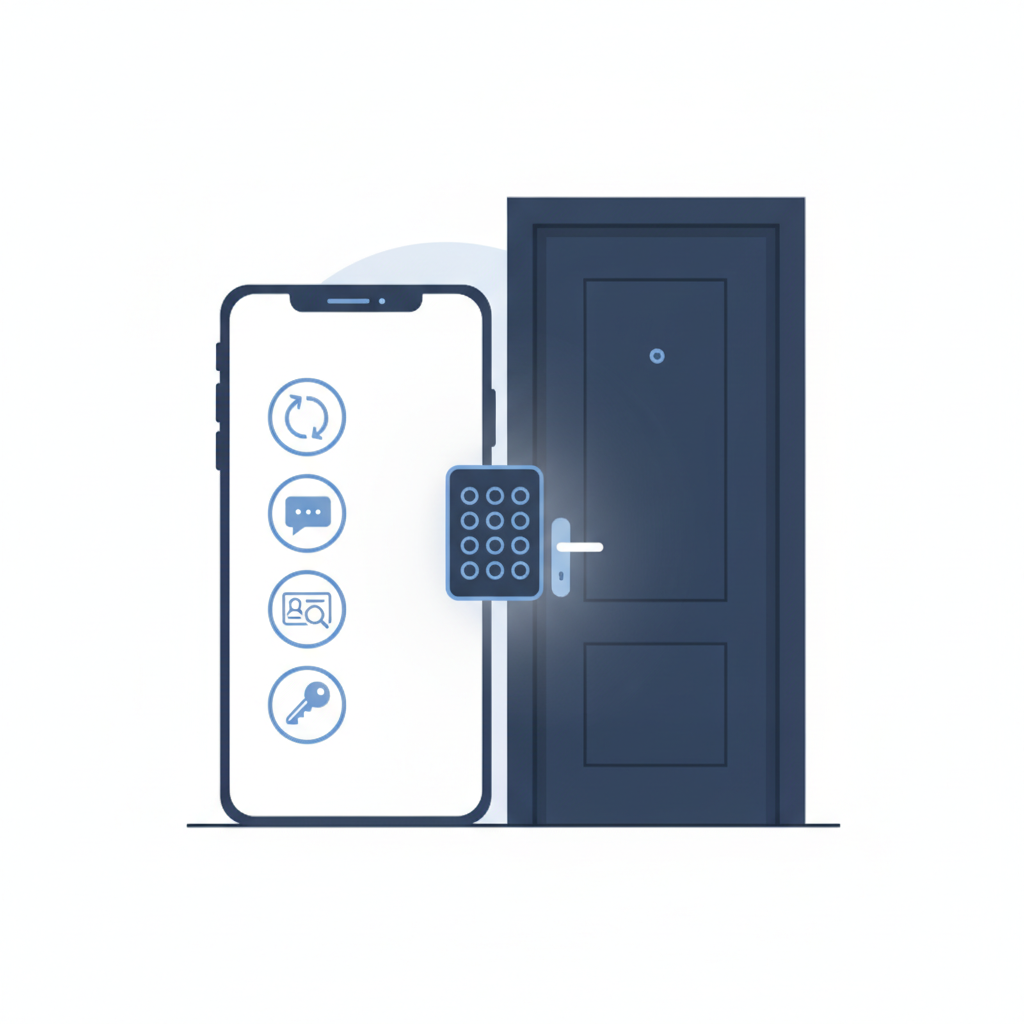
Six steps, one system of record, one showing platform doing the rest. Here's the shape of it before the details:
| Step | What Happens | Runs In |
|---|---|---|
| 1. Sync | Listings and availability sync in from AppFolio | AppFolio → showing platform |
| 2. Inquiry | Text, chat, and phone answered in ~30 seconds, 24/7 | Showing platform |
| 3. Prescreen | Qualifying questions run before a tour is confirmed | Showing platform |
| 4. ID verification | Government ID + live selfie match verifies the prospect | Showing platform |
| 5. Access code | A code — smart lockbox or offline static code — releases only in the booked window | Showing platform + lock hardware |
| 6. Feedback loop | Visit outcome and notes route back to the leasing team | Showing platform |
The only step that touches AppFolio directly is the first one. Everything after that — the conversation, the screening, the identity check, the door — happens in the showing platform. That's the part most self-showing point tools don't cover end to end.
How Do AppFolio Listings and Availability Sync In?
The showing platform syncs with AppFolio — it pulls your property list and current availability so a unit marked available in AppFolio shows correctly for booking, without someone re-entering it in a second system. AppFolio managed 9.4 million units across 22,096 property management customers as of December 31, 2025, per its most recent Form 10-K — a big enough footprint that "syncs with AppFolio" needs to mean something specific, not just a line on a features page.
What it doesn't mean: a second contact database competing with your guest cards. Listings and availability flow in, the leasing conversation, booking, prescreen, verification, and access steps run in the showing platform itself, and results sync back to most major property management software. That's a deliberate design choice, not a limitation: one workflow for your team, not two systems to reconcile against each other.
How Does the Inquiry Get Answered Before Anyone Books a Tour?
Renters have gotten less patient about a slow reply. Apartments.com's May 2025 Renter Survey found that 83% of renters expect a response within 48 hours, and a meaningful share expect same-day. A listing that sits unanswered over a weekend has already lost the fastest-moving prospect to whichever listing replied first.
The AI agent in the showing platform answers text and chat inquiries in roughly 30 seconds, 24/7, and an AI voice agent picks up the phone the same way — a real conversation about the unit and availability, not a canned auto-reply. This is the step that self-showing tools built around just a calendar or a lockbox skip entirely: they wait for a booking to already exist before they do anything.
What Does Prescreen Check Before a Tour Confirms?
Before a booking confirms, the prospect answers a short set of qualifying questions — move-in timeline, household size, budget fit — inside the same conversation as the inquiry, not a separate form nobody fills out.
Prescreen is the filter that keeps a showing calendar from filling up with tours nobody was going to lease. It runs before ID verification, not after — there's no reason to put a prospect through a document scan and a selfie match for a unit they were never going to qualify for in the first place.
How Does ID Verification Gate the Access Code?
Rental fraud isn't a rare edge case. In NMHC's 2024 Pulse Survey on Fraud, 93.3% of respondent owners and managers said they'd experienced fraud in the prior 12 months, and 70% of those who experienced fraud reported identity theft, fraudulent ID documents, or use of someone else's personal information. A self-showing with no identity check behind the code is exactly the exposure that survey describes.
Bank-level ID verification — a government ID scan plus a live selfie match — runs before any code goes out, and the code itself only works inside the booked window. That works whether the door has a smart lockbox or an ordinary offline lock with a static code: self-showings don't require smart-lock hardware to run safely, because the gate is on who gets the code, not on what's bolted to the door.
Where Does the Feedback Loop Go After the Showing?
Whether the prospect showed, what they asked about, the verification result, any note worth a follow-up call — all of it routes back to the leasing team inside the showing platform. Nobody has to reconstruct what happened at a vacant unit from a calendar entry and a guess.
That loop is what makes the workflow self-correcting. A unit that keeps drawing tours but no applications is a signal — price, photos, or listing copy, not a mystery. Self-showings without a feedback loop just run showings. With one, they also tell you why a unit isn't leasing.
Does Leasing Run Inside AppFolio, or Somewhere Else?
Somewhere else, on purpose. AppFolio stays the system of record for your portfolio and accounting. The leasing conversation, the booking, the prescreen, the ID verification, and the access step all run inside the showing platform, which syncs your listings and availability from AppFolio rather than trying to live inside it.
That's the honest answer to what a property manager is really asking when they search for self-showing tools that work with AppFolio: the ones worth using don't try to become AppFolio's leasing module. They run the showing workflow next to it, sync the data that has to stay current, and leave your guest-card system exactly as clean as AppFolio built it to be.
What Does It Take to Set This Up on an AppFolio Portfolio?
Setup is a sync, not a migration. Properties and availability connect from AppFolio, the AI starts answering inquiries, and the six-step workflow above runs live. Pricing is confirmed directly based on your portfolio before anything goes live.
See the full workflow running on a real AppFolio listing. Book a demo with LetHub.
Frequently Asked Questions
Do self-showings with AppFolio require a smart lockbox?
No. The workflow runs the same way with a smart lockbox's single-use codes or an ordinary offline lock's static code — the identity check happens before the code is disclosed either way, so the hardware on the door isn't what makes it safe.
Does this write leads back into my PMS?
Leasing runs in the showing platform, and results sync back to most major property management software — so your team isn't re-keying what the AI already captured, and you don't end up with a second guest-card database to reconcile by hand. What syncs back depends on what your PMS exposes, so confirm the specifics for your setup before you go live.
How fast does the AI respond to a new inquiry on an AppFolio listing?
In about 30 seconds, 24/7, across text, chat, and phone — well inside the window Apartments.com's May 2025 Renter Survey found most renters actually expect a reply, rather than the multi-day wait a slower, unanswered listing can rack up before someone finally responds.
What actually verifies the prospect before the access code releases?
A government-ID scan matched against a live selfie taken in real time, completed before any code is generated — the same bank-level standard used to verify who's opening a financial account, closing the gap a bare access code leaves wide open for anyone holding it.